
ToolBunny LogoToolBunny
Prompt Library
Back to Library
Midjourney
UI/UX Designer
Design
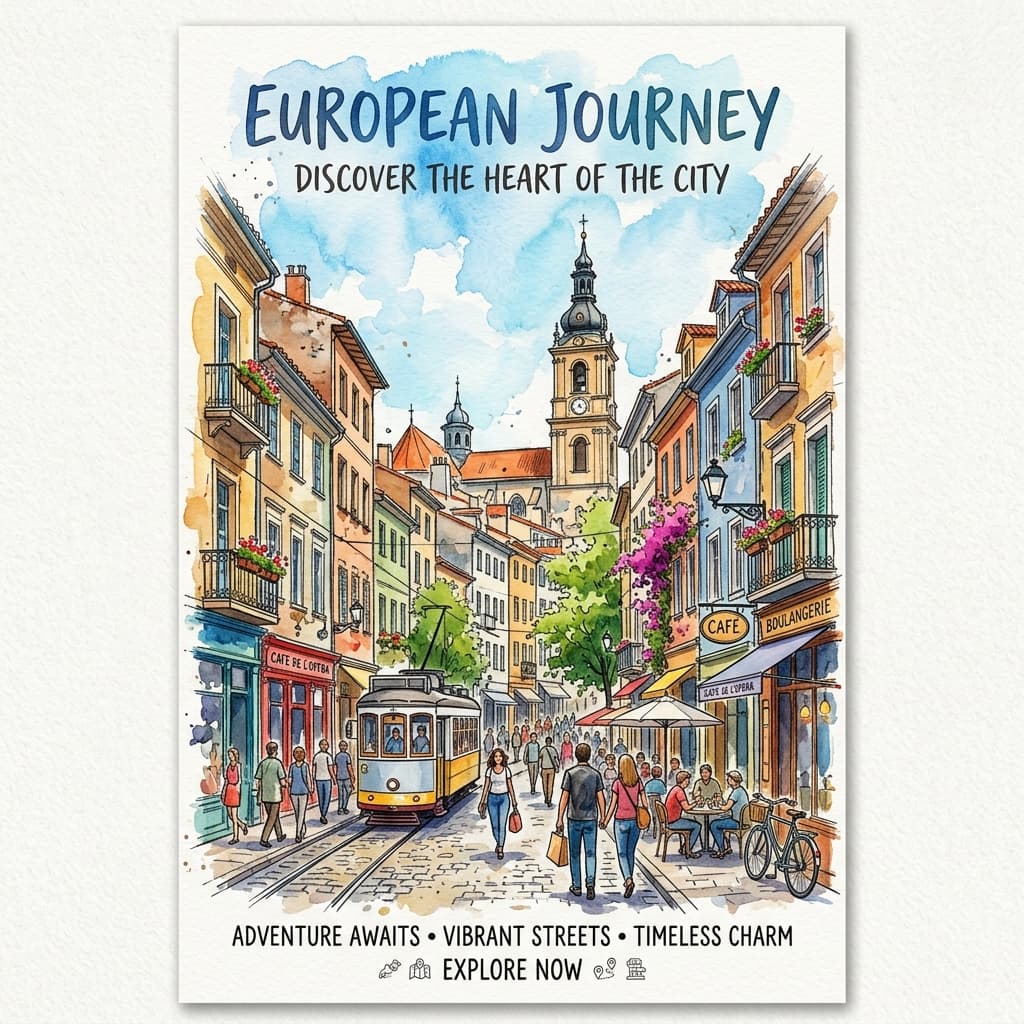
Urban Sketch Watercolor Travel Poster

Generate a premium 3:4 urban-sketch watercolor travel poster of any city — refined ink-and-wash illustration with authentic hand-drawn strokes, restrained palette, and editorial typography.

1. Customization Parameters

[CITY]
[COUNTRY]
[NARRATIVE_DETAIL]
[INK_STYLE]
[PALETTE]
[MOOD]

2. Compiled Prompt Preview

Live compiler active
output template
Create a premium vertical 3:4 urban-sketch watercolor travel poster of [CITY]. Select one authentic, geographically coherent, street-level viewpoint that genuinely represents the city. Use one recognizable landmark as the visual anchor, together with only the architecture, landscape, streets, and everyday details realistically visible from that viewpoint. COMPOSITION: One cohesive on-location travel scene with foreground, middle ground, and background. Natural traveler's eye-level perspective, slightly asymmetrical framing, one main focal landmark, [NARRATIVE_DETAIL] as a local narrative detail, and a few gestural pedestrians. Allow outer edges to dissolve into the paper. STYLE: Refined contemporary ink-and-wash travel-journal illustration. [INK_STYLE] ink strokes: broken contours, uneven line weight, loose perspective, occasional double lines, incomplete architecture, sparse hatching. Apply bright, warm, transparent watercolor using a restrained palette of [PALETTE]. Preserve visible cold-pressed paper grain, translucent overlapping washes, granulation, soft wet-on-wet bleeding, water blooms, dry-brush texture. Leave approximately 40% of warm-white paper untouched. Keep the upper portion especially spacious with only a few pale blue-gray watercolor blooms. TYPOGRAPHY: Reserve clean negative space in the upper-left for: [CITY] Below it in smaller clean uppercase lettering: [COUNTRY] MOOD: [MOOD] — as though a skilled traveler paused on location and captured the city with quick pen strokes and luminous watercolor washes. --ar 3:4 --style raw --v 6

1Customize Variables

Fill in the parameters on the left. Type custom topic, instructions, or adjust selectors to fit your exact business goals.

2Live Compiler Updates

The template values will be automatically inserted into the placeholders in real time on the right preview window.

3Copy & Paste to AI

Click the large action button to copy the compiled prompt, then paste it directly into Midjourney to experience top outcomes.

Related Prompts

Midjourney
UI/UX Designer

Design stunningly detailed, photographic style portrait prompts for Midjourney including cameras, lighting parameters, and aspect ratios.

v0
UI/UX Designer

Guide v0 or Cursor to build accessible, visually stunning UI components using Tailwind CSS classes, complete with micro-animations and accessibility features.

Midjourney
UI/UX Designer

Create high-detail Midjourney cityscape prompts with neon lighting, rain reflections, and futuristic skies.