
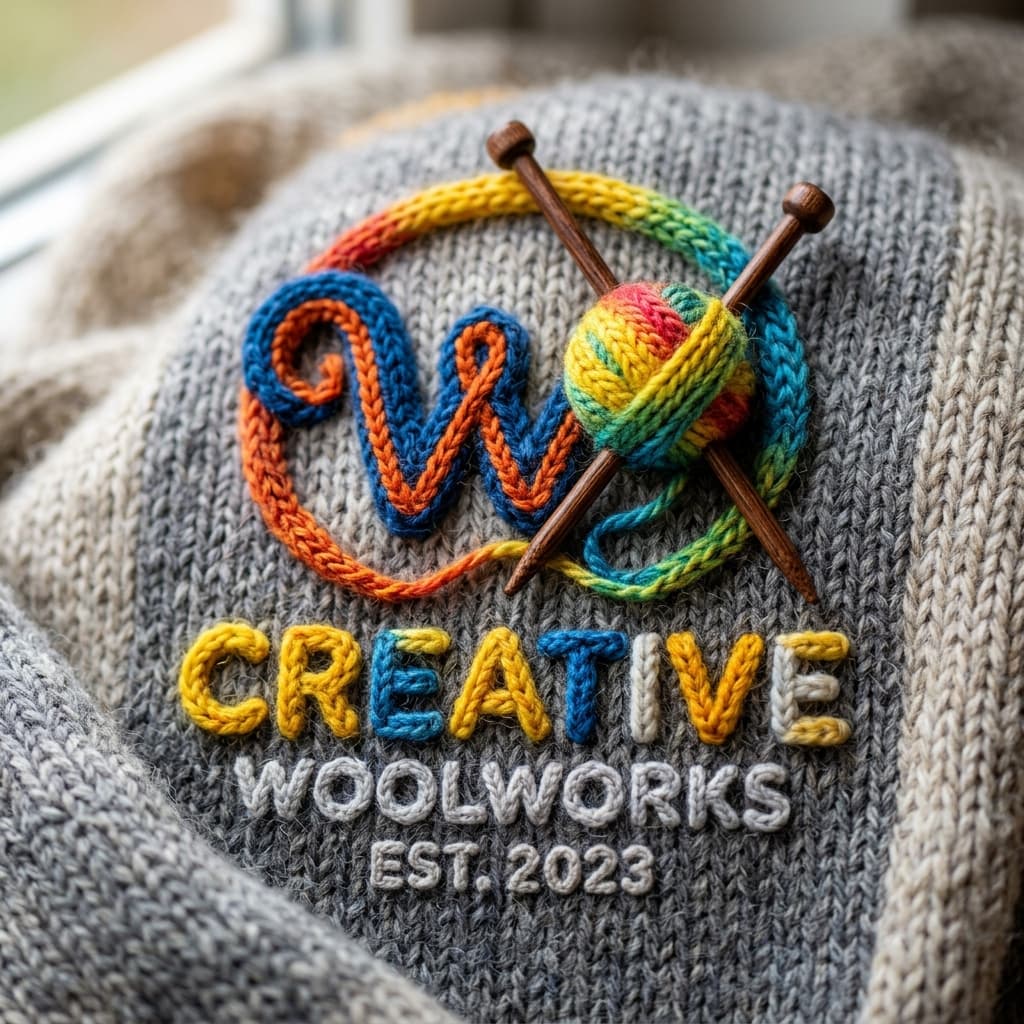
Recreate any brand logo in a cozy 3D chunky knitted wool texture — realistic woven yarn detail with soft natural shadows and warm studio lighting.
1. Customization Parameters
2. Compiled Prompt Preview
1Customize Variables
Fill in the parameters on the left. Type custom topic, instructions, or adjust selectors to fit your exact business goals.
2Live Compiler Updates
The template values will be automatically inserted into the placeholders in real time on the right preview window.
3Copy & Paste to AI
Click the large action button to copy the compiled prompt, then paste it directly into Midjourney to experience top outcomes.
Related Prompts
A breathtaking photorealistic devotional portrait of a person peacefully praying beside a Shiva Lingam, with a gigantic compassionate Lord Shiva emerging majestically from the Himalayan mist behind them.
A photorealistic, cinematic devotional portrait featuring a foreground subject and Lord Shiva appearing majestically in the background.
Create an ultra-photorealistic cinematic editorial photograph of an Indonesian woman in autumn.